Blue text within the MiMembership database indicates a link (or green for Essentials sites). Links provide a quick way to navigate the site and get to more information.
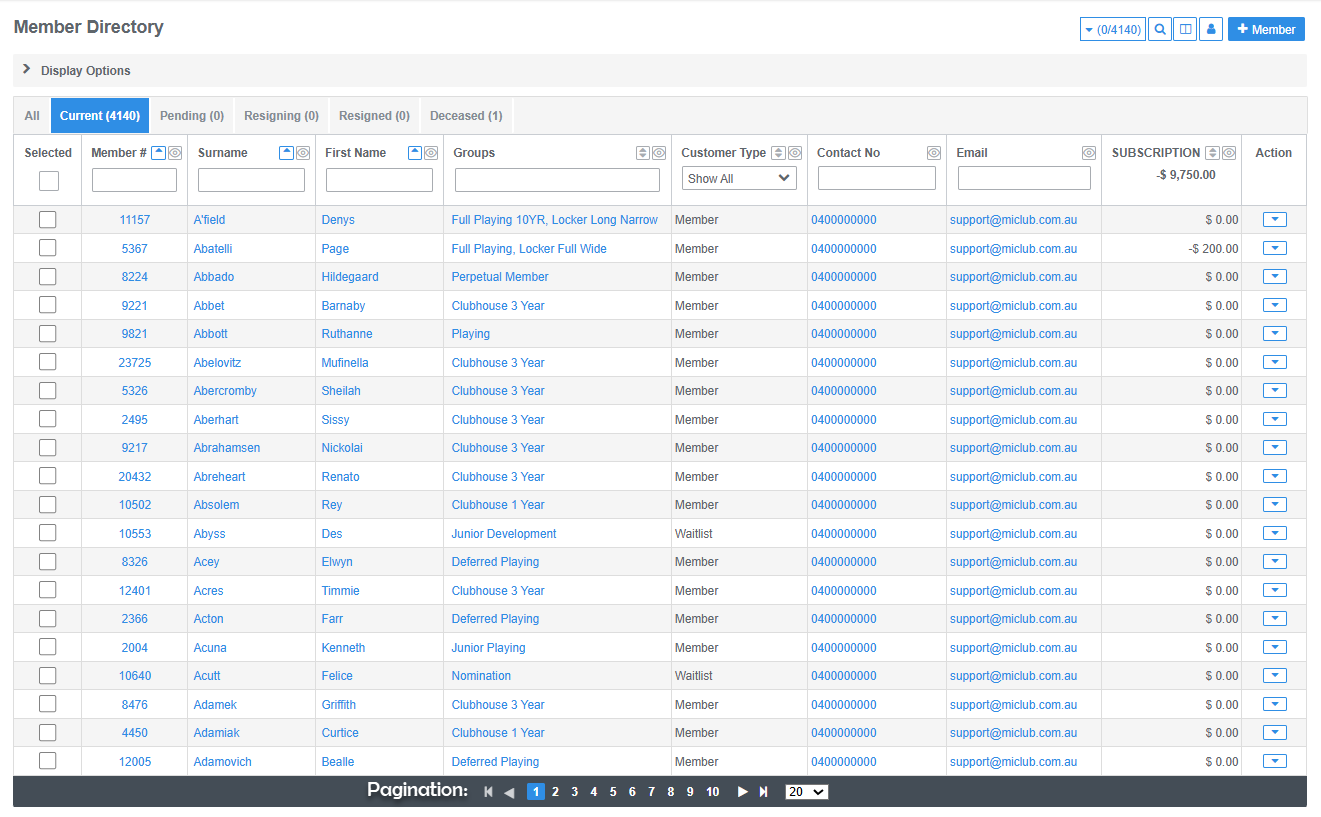
A black bar at the bottom of a table indicates there is more data to display.
Example: Members Directory
- Click on a members name to view personal details
- Click on a group to view membership details
- Click on an email address to send a message
- Click on a balance to view the member account details
Pagination: indicates there is more data to display. Use the arrows at the bottom of the table to load the next page and select how many entries per page to display
Was this article helpful?
That’s Great!
Thank you for your feedback
Sorry! We couldn't be helpful
Thank you for your feedback
Feedback sent
We appreciate your effort and will try to fix the article